Friday, January 29, 2021

10 Best Linux Distros To Try Out In 2021

Best Linux Distros

Could there be a better way to start the new year without mentioning some of the best Linux distros? Definitely not! The pace at which the Linux market is growing right now is mind-boggling, and we’re always excited to see what the communities bring to the table. In this article, let’s talk about the top 10 best Linux Distros that you shouldn’t miss out on in 2021.

If you’re new to Linux and came here searching for reasons to switch to Linux, here are 10 reasons why you should switch to Linux.

One of the best things about Linux is customization. No matter your taste, there will be at least one distribution you’ll definitely like.

Best Linux Distros For 2021

1. Ubuntu

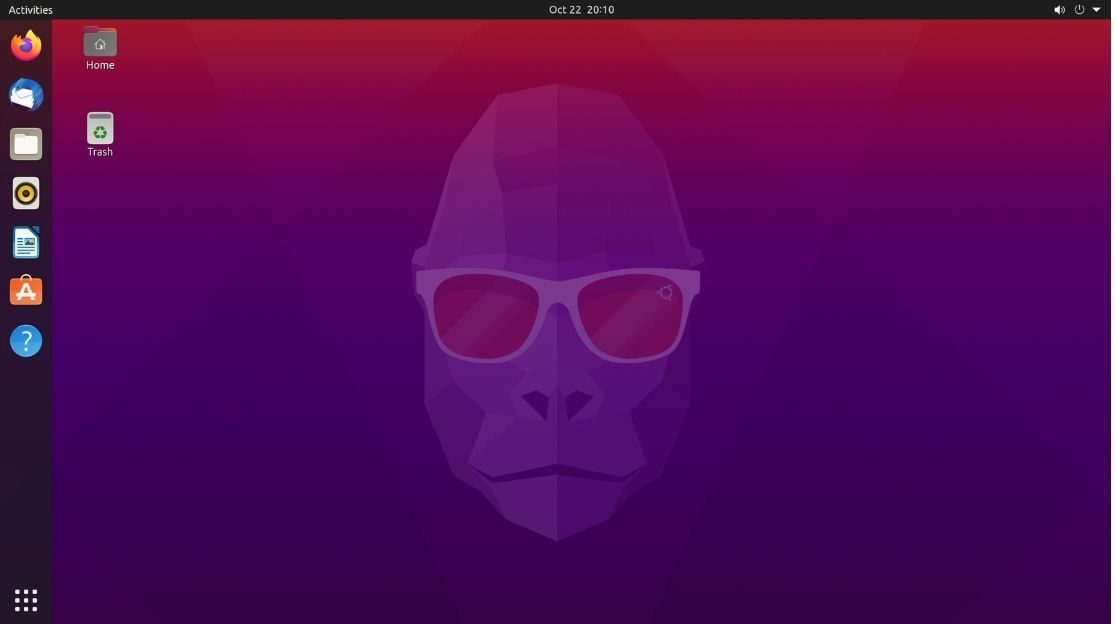
No one can deny that Ubuntu is one of the most popular Linux Distro. Its simplicity makes it an excellent distro for beginners. The latest Ubuntu has also made gaming on Linux pretty feasible.

ubuntu - Best Linux distros 2021

The default desktop environment, GNOME, offers a great number of customization options. The community at large is always there for you if you get stuck and need help.

2. Pop!_OS

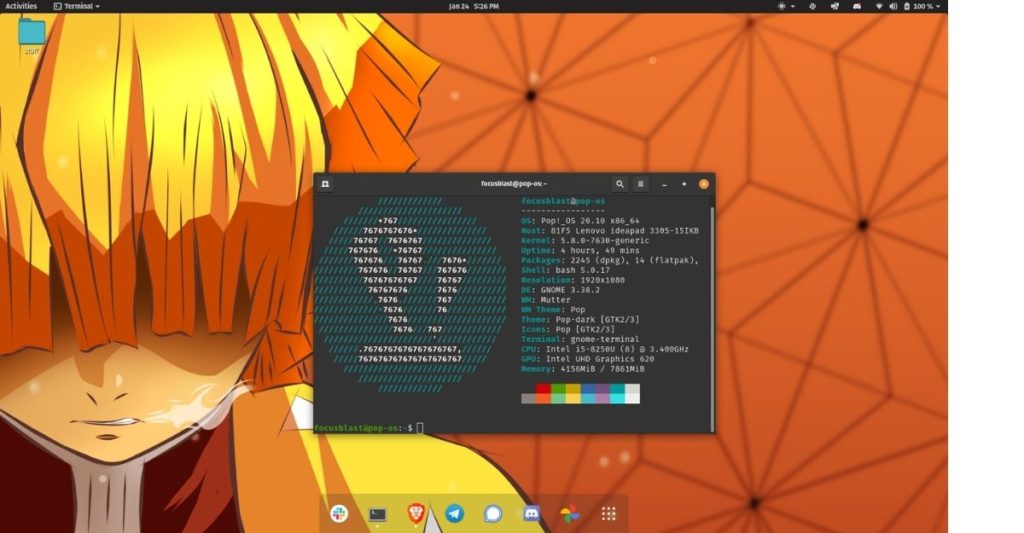
I use Pop!_OS as my daily driver, and I absolutely love using it. Although it’s based on Ubuntu, Pop_OS feels a lot more polished and bloat-free compared to Ubuntu. We also have a review of Pop!_OS on the blog so, do make sure to check it out.

pop!_os - Best Linux distros 2021

Confused between Ubuntu and Pop!_OS? We’ve got you covered. Make sure to read our Pop!_OS Vs. Ubuntu comparison. Pop!_OS is one of the best Linux distros for gaming (thanks to a separate ISO with Nvidia Graphics) and daily usage. So, if you’re someone who wants the best of both worlds, it’s probably the distro to pick.

3. Linux Mint

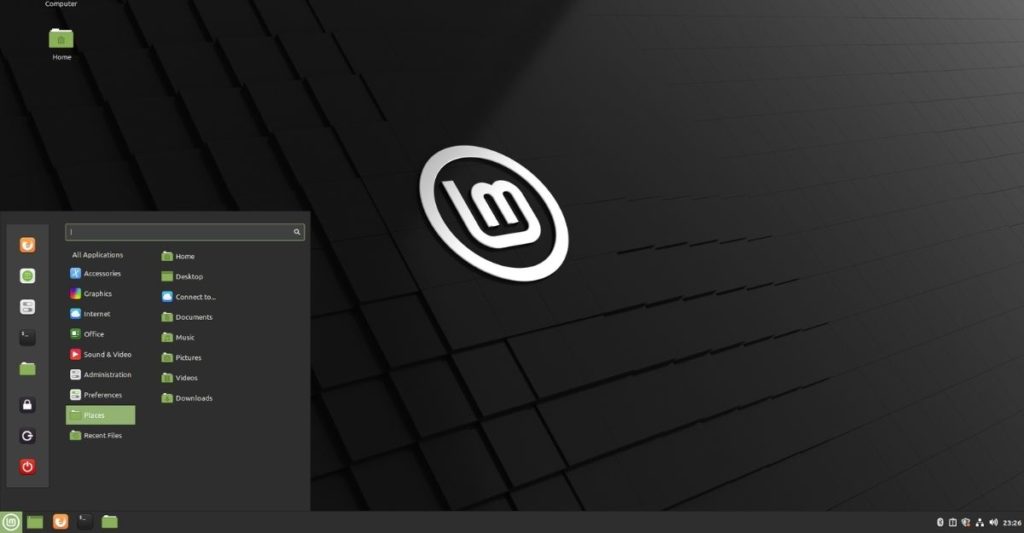
If you’re coming from Windows, Linux Mint is a great distro to try as it resembles Windows in many ways. It is an Ubuntu-based distro whose UI will remind you of Windows XP.

Linux Mint- Best Linux distros 2021

That said, the distro’s pretty easy to get used to. Users can choose from three desktop environments – Cinnamon, Xfce, and MATE, among which I prefer Cinnamon for its clean looks. Linux Mint Xfce is one of the fastest Linux distros that I’ve tried.

4. Solus

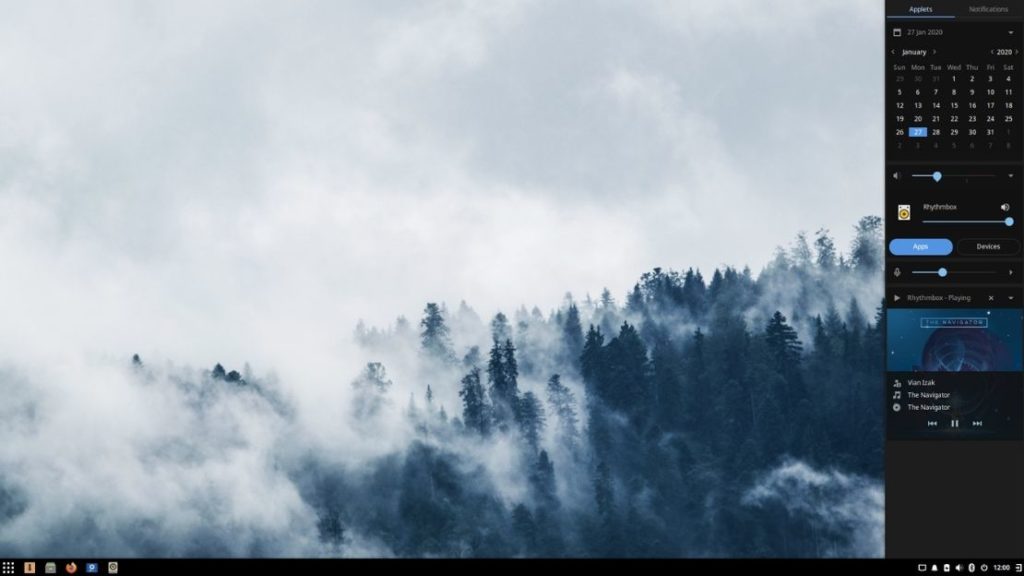
I’ve mentioned Solus in my Best Non-Ubuntu-Based Distros That Are Beginner Friendly article, and I still can’t get over its striking looks and feels.

Solus- Best Linux distros 2021

Learning eopkg package manager can be challenging but, it certainly shouldn’t take a lot of time to get used to. Solus comes in four variants – Budgie, MATE, GNOME, and Plasma and is a rolling distro. Solus also supports a wide variety of version control systems, editors, and programming languages, making it one of the best Linux distros for Developers.

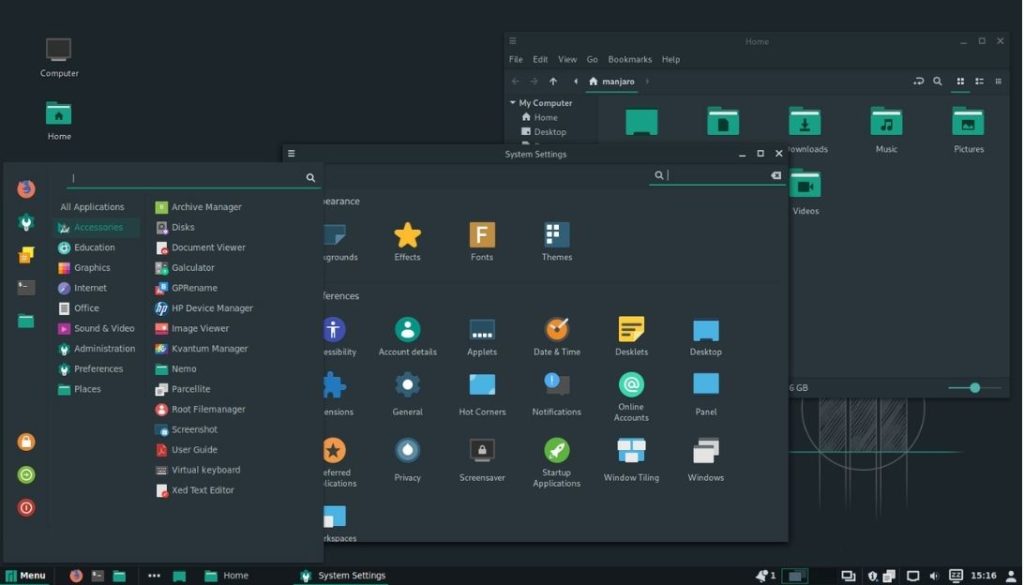
5. Manjaro

The thing about Arch that scares beginners the most is the installation process but Manjaro is different. It is an Arch-based distribution meant for beginners with a less overwhelming installation procedure.

Manjaro- Best Linux distros 2021

Everything from the user interface to built-in applications is perfect for starters. It comes with different desktop environments like KDE Plasma, GNOME, and XFCE variants, making it one of the best Arch-based Linux distros to try out in 2021.

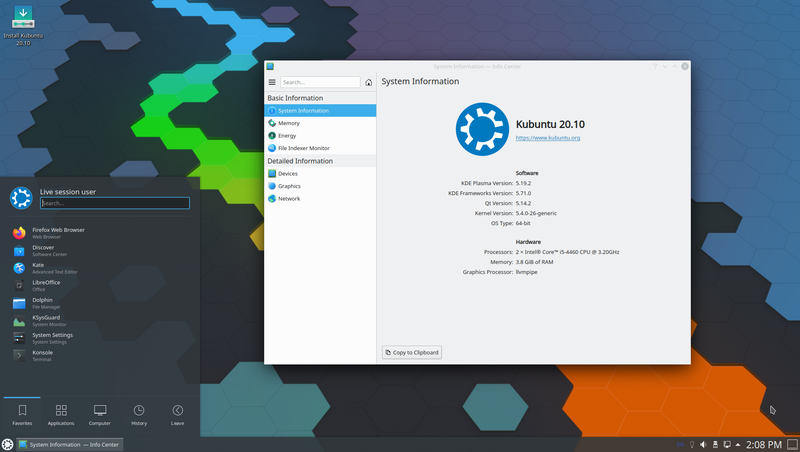
6. Kubuntu

Kubuntu was the first Linux distro that I ever tried, and I was blown away by the customization options that KDE Plasma offers while keeping the overall experience pretty smooth.

kubuntu Linux

Based on Ubuntu, Kubuntu is a great distribution for beginners and is one of the best Linux distros that you can download and try.

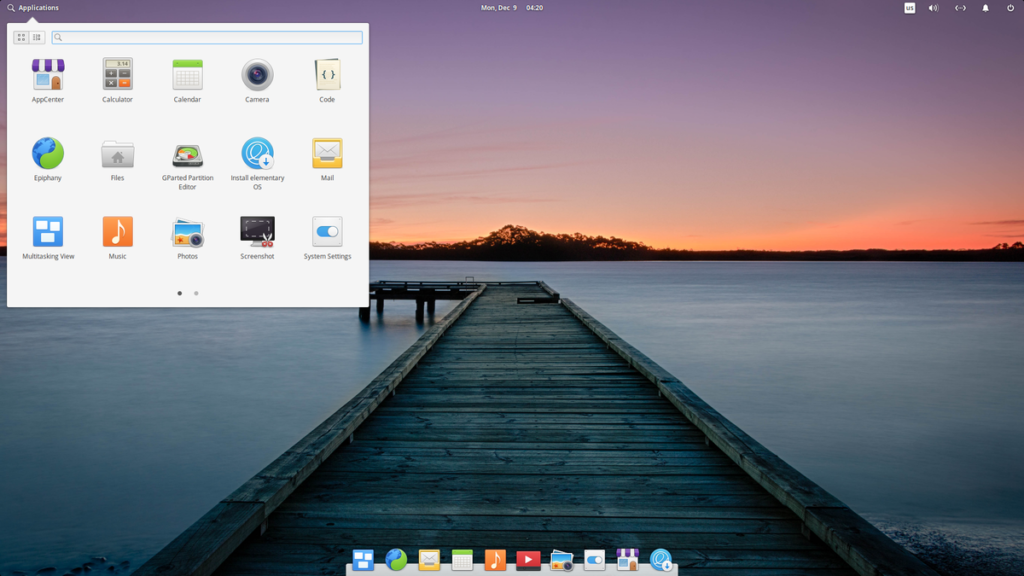
7. elementary OS

Well, who doesn’t want their laptop to look and feel like a Macbook? While this is rationally impossible, the open-source community is always there to help your dreams come true.

elementary os

Elementary OS is an Ubuntu-based distribution whose UI resembles that of macOS and is certainly one of the beautiful distros that I’ve come across and is undoubtedly one of the best Linux distros for laptops.

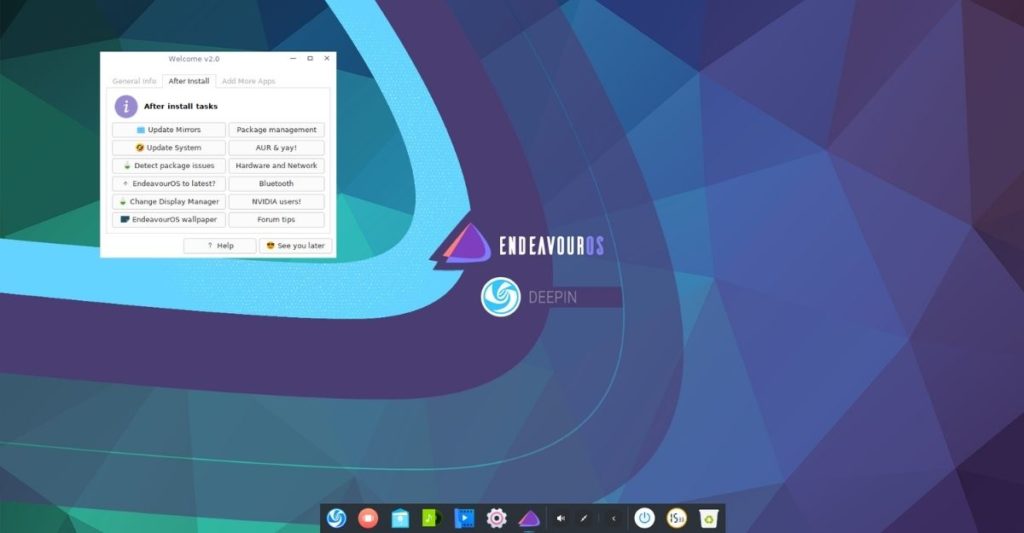
8. Endeavour OS

Endeavour OS is a terminal centric Linux distro that doesn’t offer a graphical user interface out of the box. Developers have created an installer that will let you install your favorite desktop environment without breaking a sweat.

endeavour os

It’s just another Linux distro for beginners who’re too afraid of installing Arch as it’s too overwhelming.

9. Feren OS

Feren OS is a pseudo-rolling-release distro for people coming from Windows or macOS.

feren os

Like Kubuntu, it is also an Ubuntu-based distro that uses the KDE Plasma desktop environment. The OS’s look and feel make it one of the best visually appealing distros on this list.

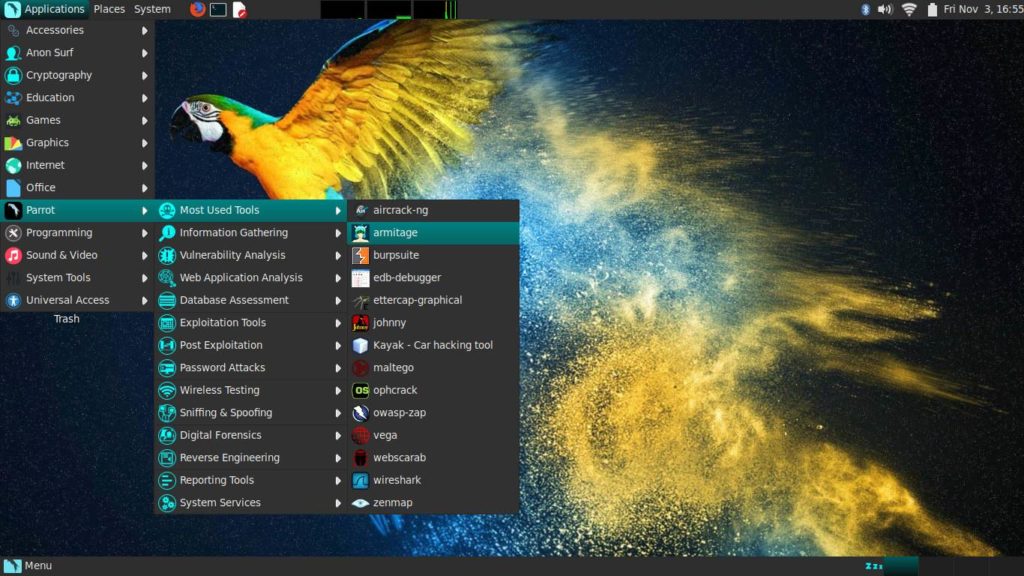
10. Parrot OS

If security and privacy are all you care about, Parrot OS is worth giving a shot. It provides hardening and sandboxing options that ensure everything’s under control.

parrot os

It is a Debian-based distribution that can run even on ancient hardware. Besides, it also has a pretty big community that can help you understand and Learn Linux. Users get to choose from two desktop environments, KDE and MATE.

Have you used any distro that you think deserves its place on this list? Let us know in the comments section below.

Linux Distros FAQ

  1. What Linux Distro should I use?

    If you’re a complete beginner, I’d suggest you start with any of the Ubuntu-based distros. For experienced users, Manjaro, Solus are great distros.

  2. What does the word “Distro” mean in Linux?

    The term “Distro” is short for Distribution. Various types of distributions are built on Linux to offer different experiences to people with different tastes.

  3. What is the best free Linux OS?

    It depends on your previous user experience. Pop!_OS, Manjaro Linux, and Linux Mint are some of the best Linux Distros that both newbies and experienced users can use without hassle.

The post 10 Best Linux Distros To Try Out In 2021 appeared first on Fossbytes.


10 Best Linux Distros To Try Out In 2021
read more

Thursday, January 28, 2021

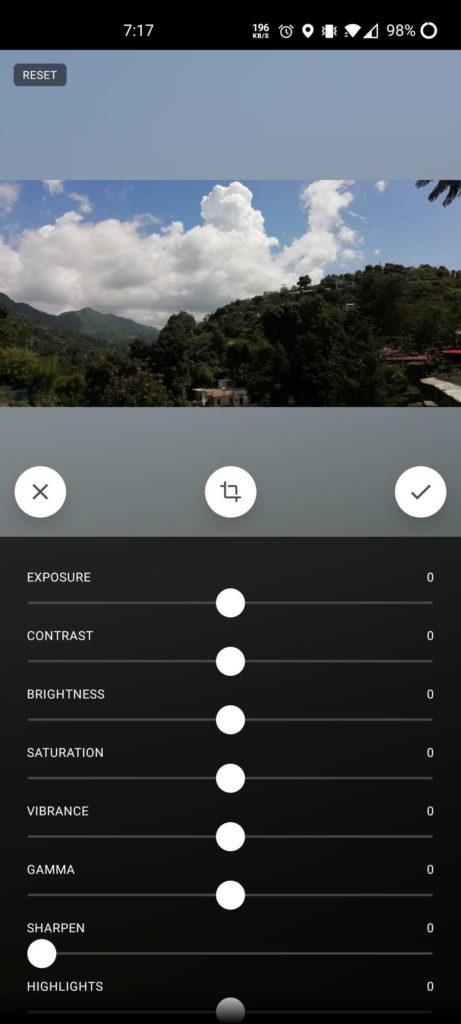
12 Best Android Photo Editor Apps In 2021

With smartphones packing four or more rear cameras and increasing megapixel count in a crazy manner, smartphone photography has picked up quite a pace in the last couple of years.

Despite the advanced sensors, some photos require a touchup and that’s where photo editing apps come into play. The default gallery app on most smartphones offers basic photo editing features, but if you want to tweak beyond basic, you might need specialized apps to edit your photos.

With plenty of options available out there, here’s a handy guide to help you choose from the best photo editing apps you can find on the Google Play Store.

Just in case you want, we have also curated a list of photo editors for other platforms as well. Do check them out:

Also Read: Best Photo Editing Apps For iPhones To Enhance Your Pictures
Free MS Paint Alternatives Every User Should Try

Note: This list isn’t arranged in order of preference; it’s a compilation of the best photo editing apps for Android. You’re advised to choose one as per your needs.

12 Best Photo Editing Apps For Android In 2021

  1. Photoshop Express
  2. PicsArt Photo Studio
  3. Fotor Photo Editor
  4. PhotoDirectorad
  5. Snapseed
  6. VSCO Photo & Video Editor
  7. Toolwiz Photos-Pro Editor
  8. YouCam Perfect
  9. Pixlr
  10. Photo Lab
  11. Photo Editor Pro
  12. Prisma Photo Editor

1. Photoshop Express

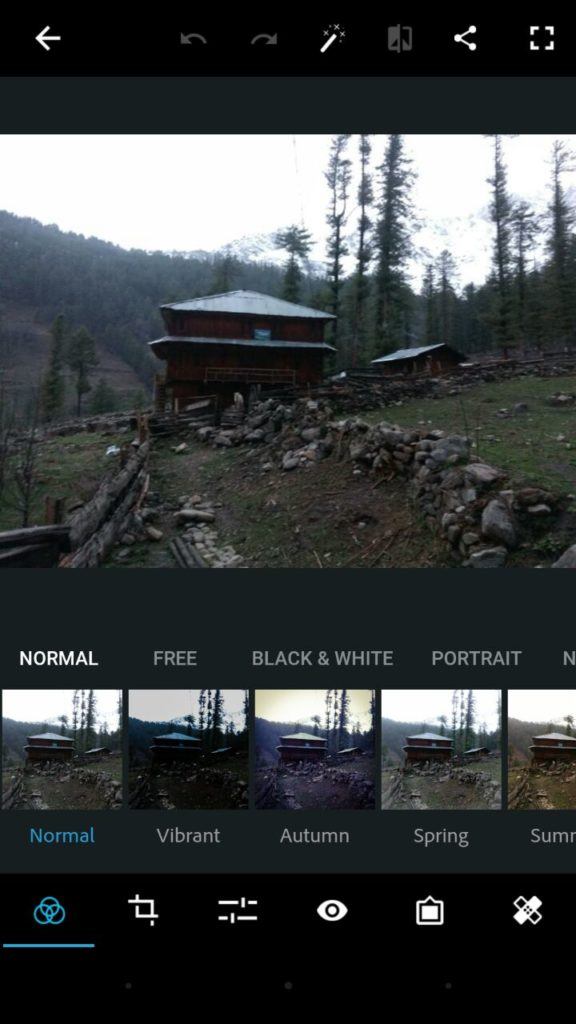
With a simple and minimalistic interface, Adobe Photoshop Express is a great Android photo editor for quick, easy, and powerful editing on devices. It is packed with essential features like crop, straighten, rotate, and flip photos.

Photoshop Express has one-touch filters, a variety of effects, colors, auto fix, frames, and also some advanced tools like Image Rendering Engine to handle large files like panoramic photos. Its Noise Reduction feature can minimize unwanted grain and speckling in night photos.

The app is free to download and is ad-free. Moreover, it provides you the service to share photos on Facebook, Twitter, and other social networking sites.

Special Features Of Photoshop Express

  • More than 80 filters for instantly editing photos.
  • Photos can be imported and edited in RAW format
  • Perspective correction feature for fixing skewed perspective photos
  • Share the edited photos instantly to Facebook, Twitter, Instagram, and other social media websites

App Installs: Over 100 million
Google Play Store Rating: 4.5

2. PicsArt Photo Studio

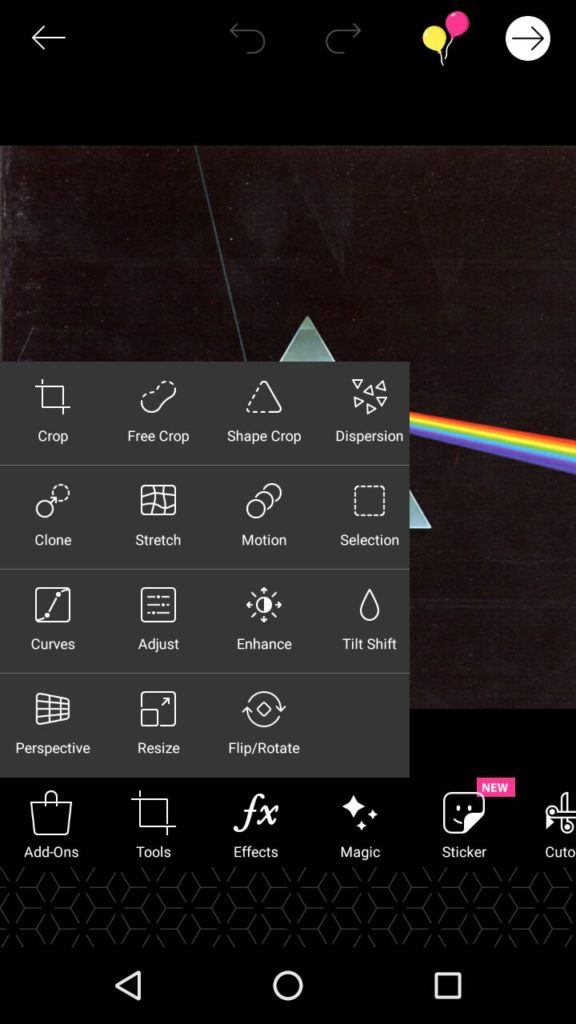
With over 500 million downloads, PicsArt is one of the most popular photo editing apps out there in 2021. The reason PicsArt is such a stand-out is due to the sheer number of options you have for customizing your photos. It comes with a built-in camera feature and a social network for sharing photos.

Other features include collage making, drawing, frames, stickers, and more. Although the app is available for free with some in-app purchases, you have to deal with ads.

Special Features of PicsArt Photo Studio

  • Brush mode for applying effects selectively on particular parts of a pic
  • Rapidly evolving AI-powered effects
  • In-built camera app with live effects
  • Double exposures using layers and adjustable transparency.

App Installs: Over 500 million
Google Play Store Rating: 4.2

3. Fotor Photo Editor

Fotor is one of the most recommended and best photo editing apps for Android with tonnes of cool features and tools to enhance images. The app offers a wide range of photo effects and filters for editing images. You can use more than 10 customizable ‘Edit’ functions to tweak brightness, exposure, contrast, and other aspects of a pic.

The photo editor also allows you to make collages with plenty of collage templates. The app is free to download but contains ads.

Special Features Of Fotor

  • Feature-rich photo editor as well as photo licensing platform
  • ‘Enhance’ feature with ‘slide on screen’ capabilities for instant adjustments
  • Aplenty collage templates like Classic and Magazine

App Installs: Over 10 million
Google Play Store Rating: 4.5

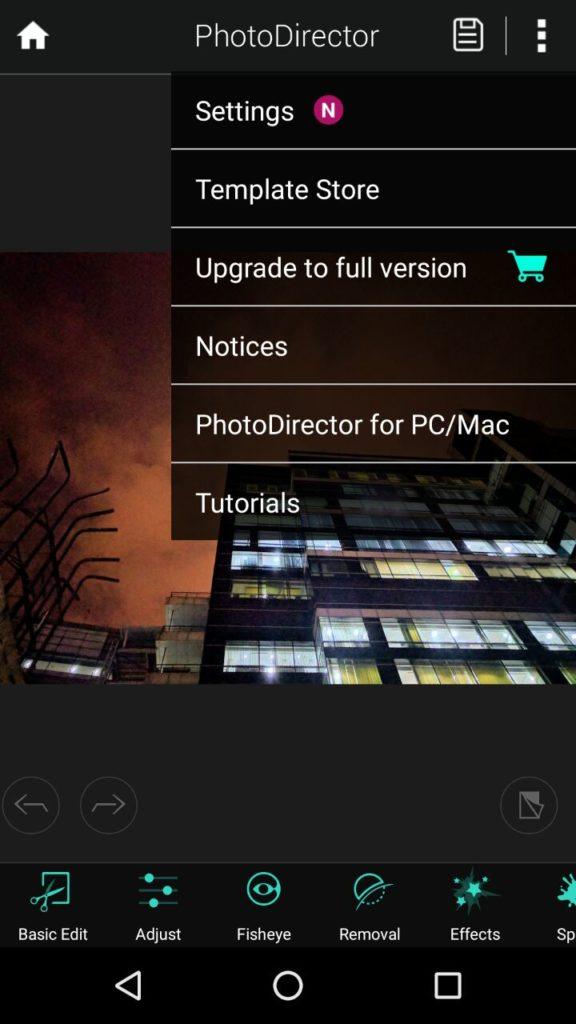
4. PhotoDirector

PhotoDirector is a kind of multi-purpose photo editor app. It has a stylish and user-friendly interface where you can quickly adjust the colors and tone of your images with its simple, yet powerful tools.

The Android app also has animation tools and one of my favorite features, Sky Replacement, to change the sky in the snaps.

The app has an in-app camera feature where you can apply live photo effects as you snap your photos. You can edit images and share them quickly on Facebook, Flickr, and more. Overall, PhotoDirector cannot be left out when talking about the best free photo editing apps of 2021.

The Android photo editor app is free to download with some in-app purchases and contains ads.

Special Features Of PhotoDirector

  • Content-Aware tool for removing photobombers and unwanted objects.
  • Artistic preset photo effects such as Lomo, Vignette, HDR and more
  • Dehaze tool for removing haze, fog, and mist from images
  • Photo fx for applying effects to certain regions in pictures

App Installs: Over 50 million
Google Play Store Rating: 4.5

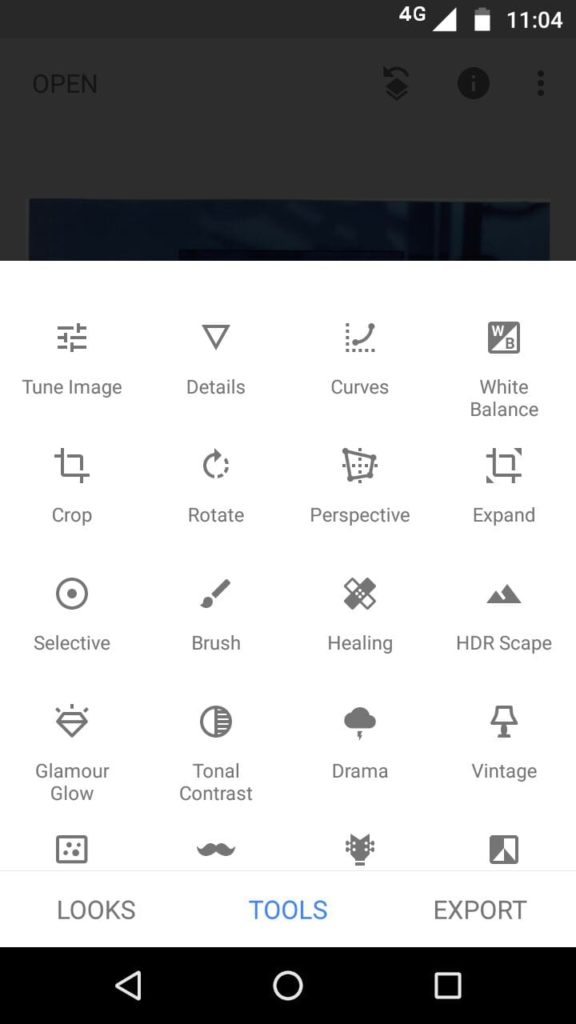
5. Snapseed

Snapseed is a powerful Android photo editor developed by Google that carries quite a lot of features. It is available for free and is also ad-free. The app has a user-friendly interface which is easy to use, just tap on the screen and open up any file you like.

Snapseed comes with many different types of filters to modify the look of the photo, including 29 different varieties of tools. Once done with the editing, you can easily export the file to save it or share it with your friends. Overall, Snapseed is the best photo editing app for Android in 2021.

Special Features of Snapseed

  • RAW DNG files can be edited and exported as JPG
  • Native dark theme mode in the app
  • Selective filter brush for editing only a portion of an image
  • The option of saving customized preset for applying them to images later

App Installs: Over 100 million
Google Play Store Rating: 4.5

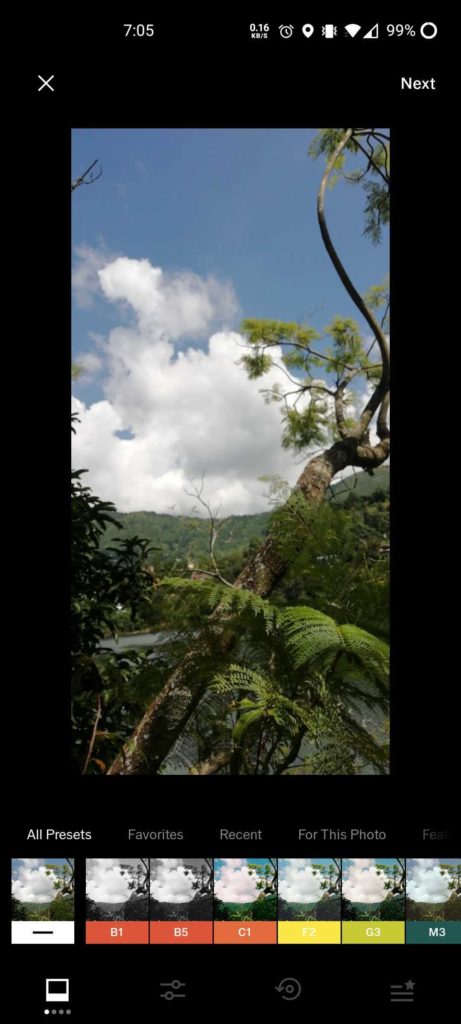
6. VSCO Photo & Video Editor

If you’re a professional, you must have heard of the VSCO photo editing app. The popular photo editing app for Android brings 10 presents and several filters to enhance your photos almost instantly.

What makes VSCO one of the best photo editing apps is the professional tools like HSL and Split Tones it offers to users for editing photographs. The Android app also features a video editor.

VSCO also offers a platform for photographers to showcase their talent. You can join the VSCO community for it.

Special Features of VSCO

  • 10 free presets to edit photos instantly
  • Professional-level tools for editing
  • VSCO community to submit your photographs

App Installs: Over 100 million
Google Play Store Rating: 4.2

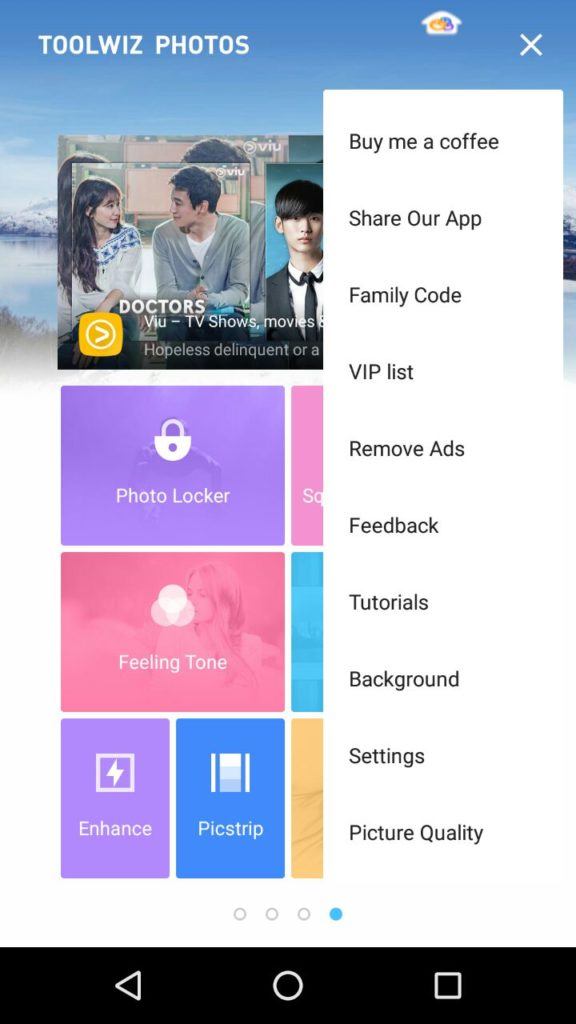
7. Toolwiz Photos-Pro Editor

Toolwiz Photos is a gorgeous all-in-one PRO photo editor that provides 200+ powerful tools. You can add filters, swap faces, adjust saturation, and even create fun collages.

This free Android app is blessed with an elegant and minimalist interface. Its features and ease of use make it one of the best photo editing apps for Android.

Special Features Of Toolwiz Photos

  • A large collection of magic filters and art filters
  • Excellent selfie, and skin polishing tools including Face rater, dermabrasion, red-eyes removal, and bright eye
  • More than 200 text fonts with shadow and mask support

App Installs: Over 10 million
Google Play Store Rating: 4.5

8. YouCam Perfect

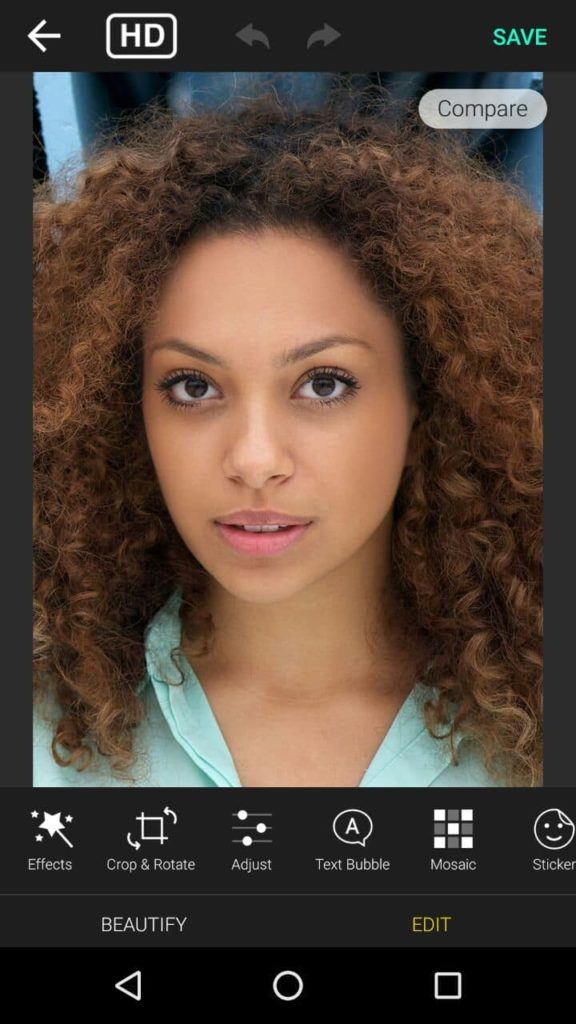
YouCam Perfect is a handy photo-editor tool for Android in 2021 where you can beautify your portrait photos within seconds. Try editing with its effects and one-touch filters, photo crop and rotate, mosaic pixelates to blur the background, vignette, and HDR effects. The app comes with a Face Reshaper, Eye Bag Remover, and also Body Slimmer to shrink your waist and make you look thinner instantly.

All-in-all, it could turn out to be a great consideration in case you’re looking for the best photo editing apps for selfies. YourCam Perfect also has video selfie capabilities. It is free to download with some in-app purchases for additional features and contains ads.

Special Features of YouCam Perfect

  • Real-time skin beautifying effects in still and video selfies
  • Cutout and object remover tool
  • Multi-face detection for instantly touching up a group selfie
  • “Smile” feature for adding a smile to any image

App Installs: Over 100 million
Google Play Store Rating: 4.5

9. Pixlr

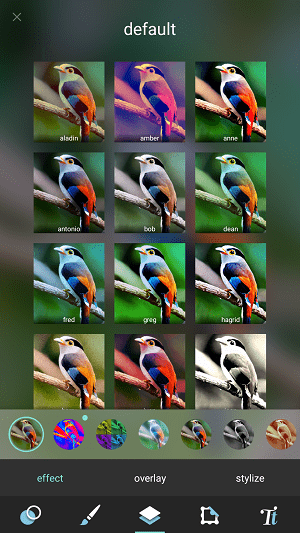
Pixlr is another one of the best free photo editing apps that you can use in 2021. It has all the tools that a user might need. It has over 2 million combinations of free effects, overlays, and filters. You can create photo collages with various layouts, backgrounds, and spacing options.

Also, it can stylize a photo with a doodle, pencil drawings, and ink sketches. You can share the images directly to various social networking sites. It is free to download with in-app purchases and contains ads.

Special Features of Pixlr

  • Option to mark the most used effect or overlay as Favorite.
  • Remarkable on-touch enhancement tools
  • Auto-fix feature for automatically balancing color in an image
  • Collage feature with up to 25 photos and various layouts, background, and spacing options

App Installs: Over 50 million
Google Play Store Rating: 4.3

10. Photo Lab

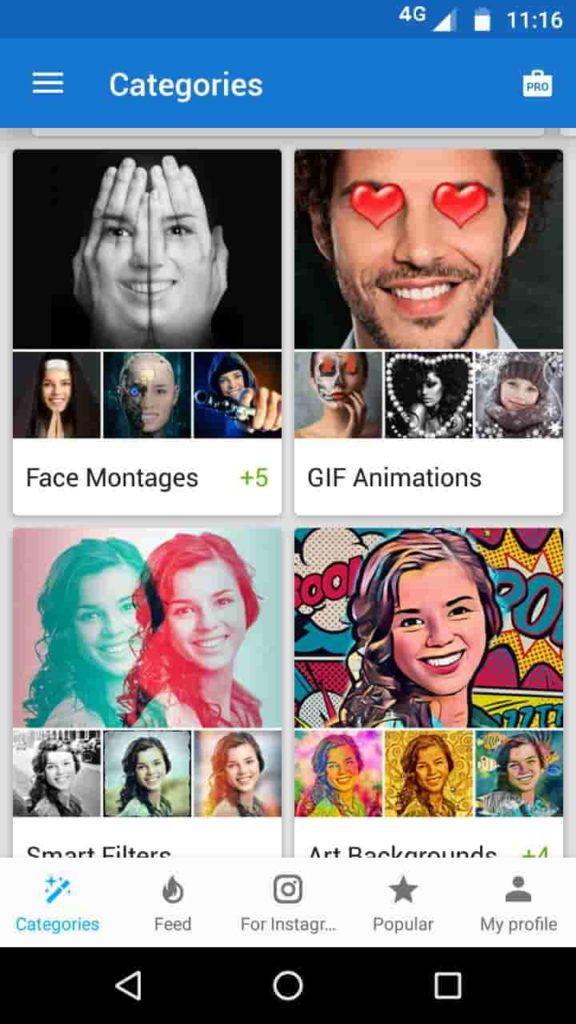
Photo Lab gives your photos a unique touch. It has a collection of over 900 different effects such as realistic photomontages, stylish photo filters, beautiful frames, creative artistic effects, collages for multiple photos, and lots more.

With a simple and intuitive interface, the photo editing app is quite easily manageable. This Android photo editor comes with every basic tool that a user might need: crop, rotate, lighting, sharpness, and even touch-up.

Moreover, you can save your creation to the gallery, share it easily via Twitter, Facebook, Instagram, or send it as a message. There is a free version available that displays ads. But the main drawback is that it watermarks your photos when you use its free version.

Special Features of Photo Lab

  • More than 50 preset styles to choose from for one-touch editing
  • Advanced face detection algorithm for face photo montages

App Installs: Over 100 million
Google Play Store Rating: 4.4

11. Photo Editor Pro

Photo Editor Pro best photo editing apps

Last but not least, Photo Editor Pro is another app for photo editing that users can use to beautify their pics.

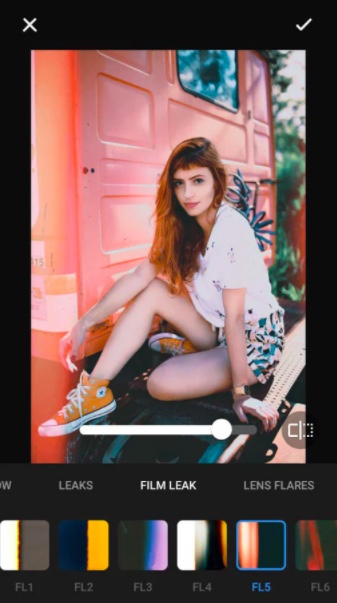
Other than basic editing tools, the Android app features several trending tools such as adding different kinds of glitch effects, interesting sketching filters, stickers, tattoos and much more.

All the basic editing tools such as changing brightness, contrast, shadows, highlight, etc are present. HSL (Hue, saturation, and luminance) is locked for the pro version unlike what we see in other best photo editing apps for android.

Android users can also look forward to making collages in the app. However, the highlight of the Photo Editor is its easy-to-use snappy user-interface. The only concern with the app is the full-screen ads that pop-up way more often than one would expect.

Special Features of Photo Editor Pro

  • Glitch effects and many other filters
  • Body editor for slim body, elongated legs, multiple hairstyles

App Installs: Over 100 million
Google Play Store Rating: 4.8

12. Prisma Photo Editor

The last entry in our list of best photo editing apps for Android is Prisma. With more than 120 million downloads, this photo editor app for Android is one of the best apps to choose from if you want to turn your photo into a painting.

The app packs more than 300 art styles for you to choose from to unleash your creativity in your photos. Also, the Prima photo editing app also offers a new art filter every day so that you have something new to look forward to every day.

Special Features of Prisma Photo Editing App

  • Advanced photo enhancement mode
  • A new art style every day
  • Prima community to share your creations and showcase your talent

App Installs: Over 50 million
Google Play Store Rating: 4.6

Choosing The Best Photo Editor For Android

With the apps enlisted above, you can transform your photos into artistic masterpieces. You can choose the photo editing app according to your requirements. For example, for making collages, we recommend using PicsArt or Pixlr. Similarly, if you want to add fun effects to your selfies, try YouCam Perfect or Prisma.

Did you find this list of the best Android photo editor apps for 2021 helpful? Share your reviews and suggestions in the comments section below.

The post 12 Best Android Photo Editor Apps In 2021 appeared first on Fossbytes.


12 Best Android Photo Editor Apps In 2021
read more
Nitrux 1.3.7 Linux Distro Released With Patch For Sudo Vulnerability

Nitrux 1.3.7 Linux Distro Released With Patch For Sudo Vulnerability

Following the monthly release, Nitrux founder Uri Herrera has announced a new version called Nitrux 1.3.7.

As usual, it comes with the latest software updates, bug fixes, performance improvements, and ready-to-use hardware support.

For those who don’t know, Nitrux is an Ubuntu-based Linux distribution. It features Calamares installer, NX Desktop, and NX Firewall built on top of the KDE Plasma 5 desktop environment and MauiKit Applications.

What’s New In Nitrux 1.3.7?

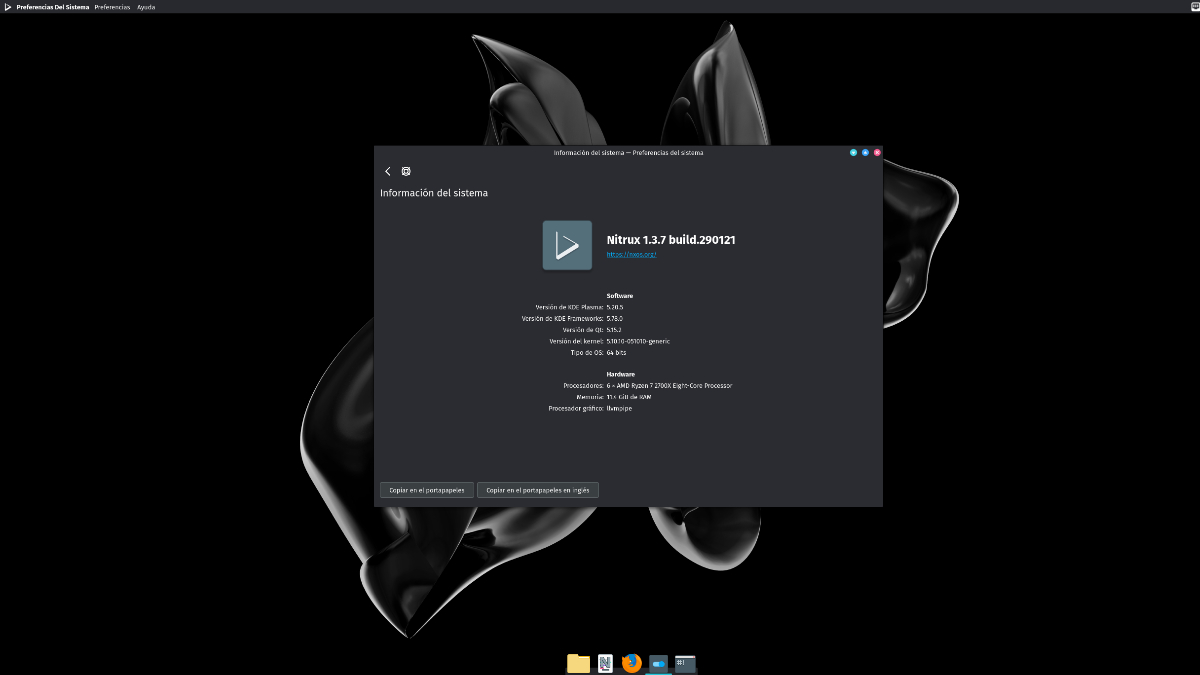
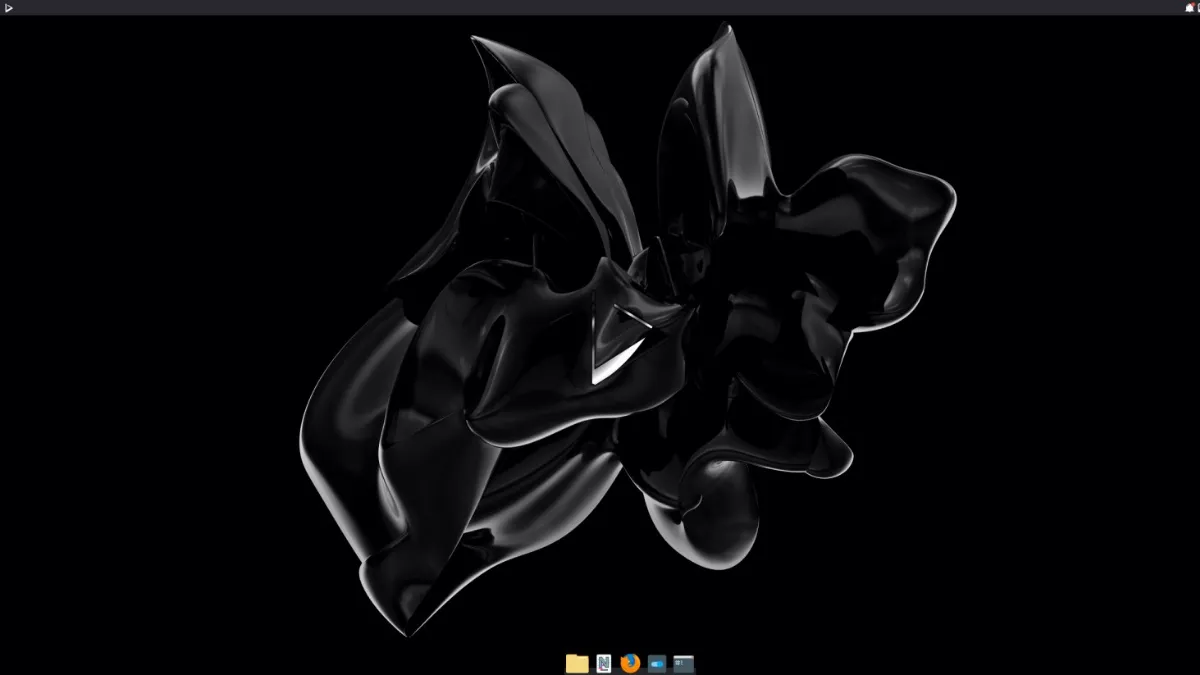
Nitrux 1.3.7
Nitrux 1.3.7

Starting with the core component, version 1.3.7 now ships with the latest Long-Term Support (LTS) and non-LTS kernel version from its repository, which includes 5.10.10 and 5.9.16, respectively.

Additionally, Nitrux 1.3.7 has updated KDE Plasma desktop to version 5.20.5, along with KDE Frameworks to v5.78.0, and KDE Application bundle to v20.12.1.

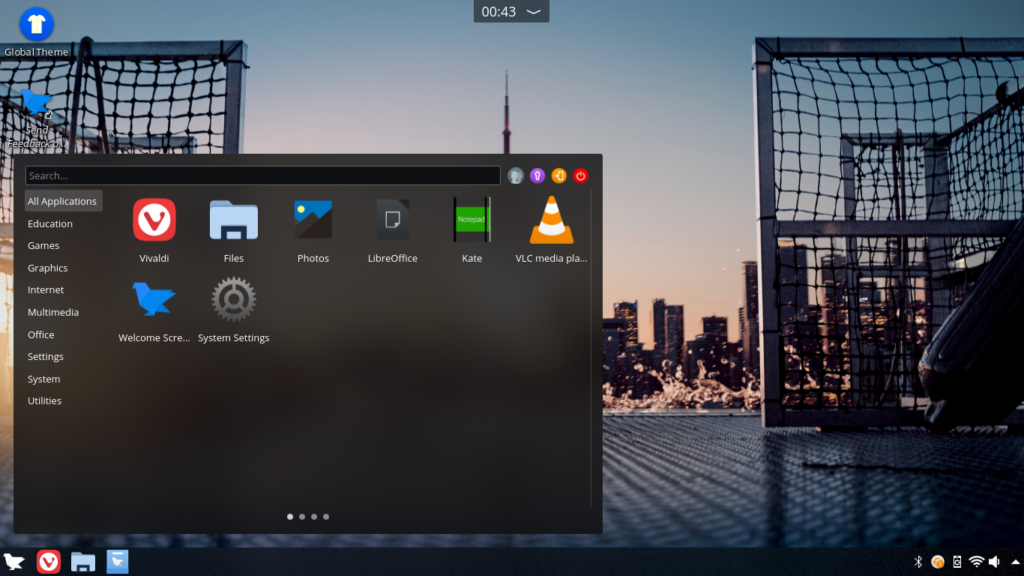
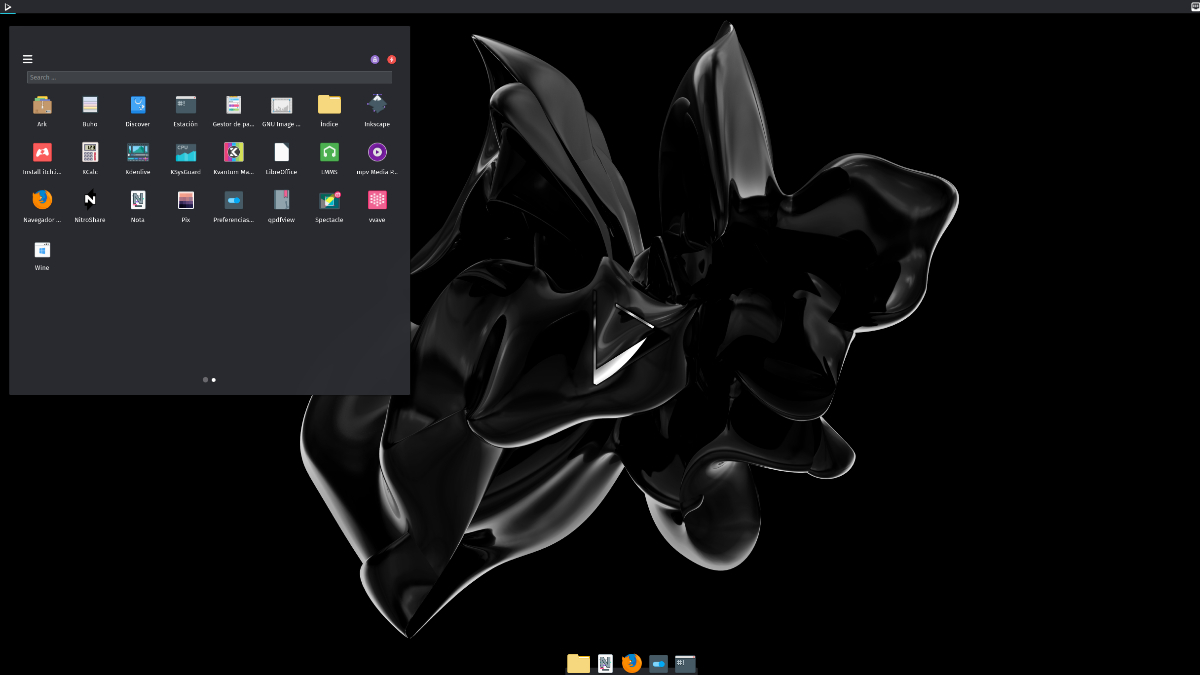
Another important enhancement that it has added is a new default application menu called Ditto menu, which replaces the previous application menu (NX Simplemenu).

Ditto menu in Nitrux 1.3.7

Unlike the NX Simplemenu, the Ditto menu displays the applications in a single grid and across multiple pages by default, which you can also configure.

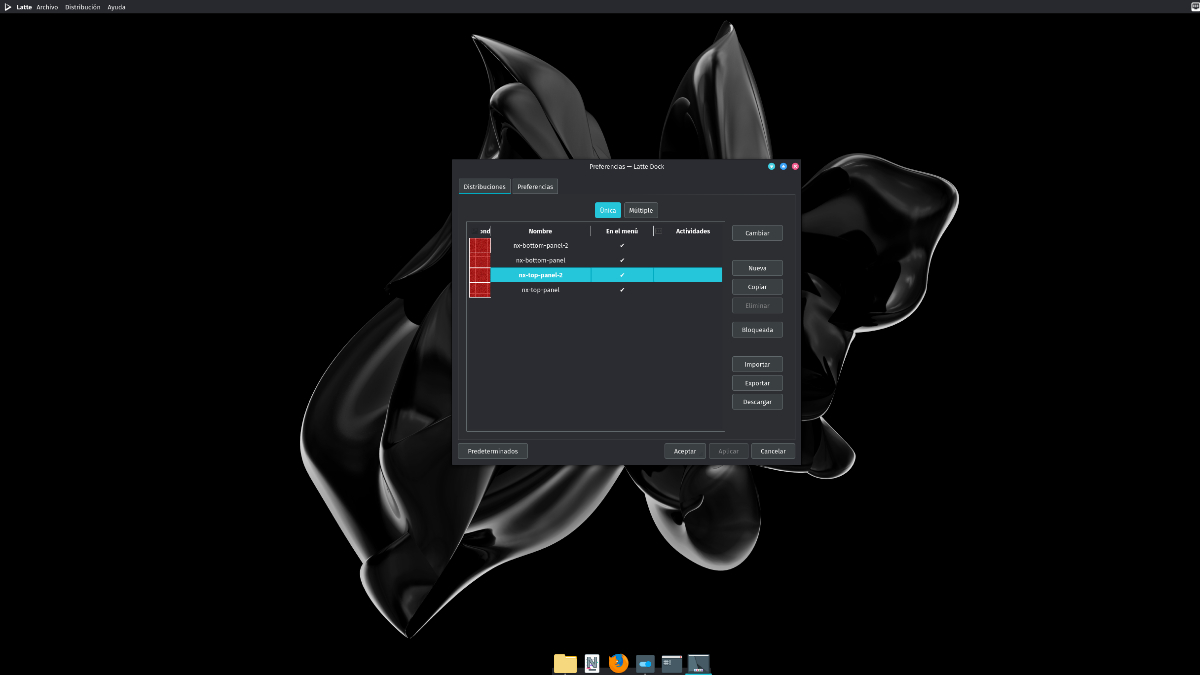
Furthermore, it has included two new Latte Dock layouts by default (nx-top-panel-2 and nx-bottom-panel-2) to make use of the new application menu and use the Window Buttons Applet plasmoid.

New Latte Dock layouts

Most importantly, version 1.3.7 has also upgraded Sudo utility to its latest version 1.9.5-p2, which resolves the newly found vulnerability in the program.

Among other bug fixes, it includes the following:

  • The Regional Settings KCM does not display languages other than American English.
  • Time does not automatically adjust when selecting a timezone in System Settings.
  • Remove Nvidia X11 driver configuration and AppImage file download from postinst script.
  • No users are displayed and new users can’t be added using the Users KCM in System Settings.

Lastly, if you wish to get your hands on the latest Nitrux 1.3.7 Linux distro, download the ISO image from here.

The post Nitrux 1.3.7 Linux Distro Released With Patch For Sudo Vulnerability appeared first on Fossbytes.


Nitrux 1.3.7 Linux Distro Released With Patch For Sudo Vulnerability
read more
Resident Evil Village: Release Date, Gameplay & Everything You Should Know

Resident Evil Village Release Date, Gameplay, & Everything You Should Know

The gaming community is desperately waiting for the sequel of Resident Evil 7: Biohazard, Resident Evil: Village. Capcom announced the tenth major installment of the Resident Evil series in June 2020 during the PlayStation 5 event.

Since then, fans are waiting to hear anything about the upcoming horror survival game. Well, in this post, we’ve gathered everything you wish to know about Resident Evil Village, including its release date, gameplay, etc. So, without wasting any more time, let’s get to the good stuff.

Resident Evil Village Release Date

Capcom confirmed that the Resident Evil Village release date is May 7, 2021. So, players will get to play as Ethan Winters in a couple of months.

Platforms: Is Resident Evil Village Coming To Xbox & PS4?

Fortunately, Capcom’s Resident Evil Village is coming to both last-gen and current-gen consoles, i.e., PS4, PS5, Xbox One, Xbox Series X/S. Other than that, the horror survival game will be released for Windows as well.

Resident Evil Village Gameplay

Similar to Resident Evil 7: Biohazard, players will be taking control of Ethan Winters. They will experience the game from a first-person perspective, which will make them truly immerse in the environment.

Ethan Winters will discover authentic places in search of his kidnapped daughter. On his way, Winters will go against different enemies with unique fighting styles. So, players will have to use different strategies to defeat each enemy.

Interestingly, developers have introduced crafting in Resident Evil Village. It means that players can craft useful items on their own, like the first-aid kit.

Story

The story of Resident Evil Village takes place right after the events of Resident Evil 7: Biohazard.

Ethan Winters has escaped from the grasp of Heisenberg. A chain of events led by Chris Redfield, a fan-favorite protagonist in the Resident Evil franchise, takes Winters to a strange castle. In the Castle, new dangers await Winters while he tries to figure out the motive behind Chris’s actions.

Resident Evil Village Demo

Surprisingly, Capcom announced the Resident Evil Village Demo for PS5, which you can download right now. In the demo, you’ll be playing as a new character known as ‘Maiden.’ The demo will let players experience the game’s audio and visuals. However, you won’t be fighting anyone in the Resident Evil Village Demo.

Right now, Resident Evil Demo is only available for PS5. However, Capcom promises to release the Demo for every platform this spring.

Pre-Order

If you want to play Resident Evil Village as soon as it is released, you can pre-order the game on the game’s official website.

That’s all we know about Resident Evil Village. Nevertheless, we’ll update the post if we hear something new about Capcom’s upcoming survival game.

The post Resident Evil Village: Release Date, Gameplay & Everything You Should Know appeared first on Fossbytes.


Resident Evil Village: Release Date, Gameplay & Everything You Should Know
read more
Amazon Doesn’t Accept PayPal, Here’s How You Can Still Use It

How to use paypal on amazon

Being the biggest eCommerce company right now, there are a plethora of payment options users living in different countries can use while placing an order on Amazon. Still, some may find the checkout process troublesome as Amazon doesn’t support a few popular payment options.

Does Amazon accept PayPal?

The answer is No. It’s surprising that Amazon doesn’t offer support for such a well-known payment service that has been in existence for over two decades now.

But that’s not the end of the story. Paypal has put a workaround in place that makes your purchase hassle-free.

How to use PayPal while buying products on Amazon?

While the service may not work directly, you can get a PayPal Cash Card to make payments. It’s a regular debit card powered by MasterCard that you can easily add to your Amazon account.

The company also offers a virtual debit card known as PayPal Key, which is even easier to get if you already have an active account.

Another way you can create an Amazon PayPal friendship is by using the PayPal Business Debit MasterCard which is available to business users.

Other than making online payments, PayPal Cash Card can also be used to withdraw real cash from ATM machines. However, one downside could be that you can get the card only in the US. Also, you will need the PayPal Cash Plus account as well.

After getting the card, you can add it to your Amazon account just like any other card and buy the stuff you want without any hassle.

Why PayPal could be a good payment option?

Of all the digital payment options available on the internet, PayPal is seen in a different light. The Peter Thiel-founded company provides one-click payment comfort to users, which is a big plus point.

Also, the payment service has its reach in over 203 countries, making it a reliable option when it comes to making international payments and sending/receiving money from people abroad.

While Amazon doesn’t accept PayPal directly, the platform is available on various leading eCommerce sites like eBay.

The post Amazon Doesn’t Accept PayPal, Here’s How You Can Still Use It appeared first on Fossbytes.


Amazon Doesn’t Accept PayPal, Here’s How You Can Still Use It
read more
How To Check What iPhone Apps Are Using Your Camera?

What iPhone Apps Are Using Camera

The iPhone apps using your camera are a common thing. However, at times you need to keep an eye on what iPhone apps are accessing the camera just to make sure there is nothing to worry about.

There could be an app on your iPhone that doesn’t have any camera-related features and yet has the camera permission.

How To Know About The iPhone Apps Using Your Camera?

Getting a list of iOS apps with camera access enabled is an easy task. Just follow the steps mentioned below:

Check iPhone Camera Permissions
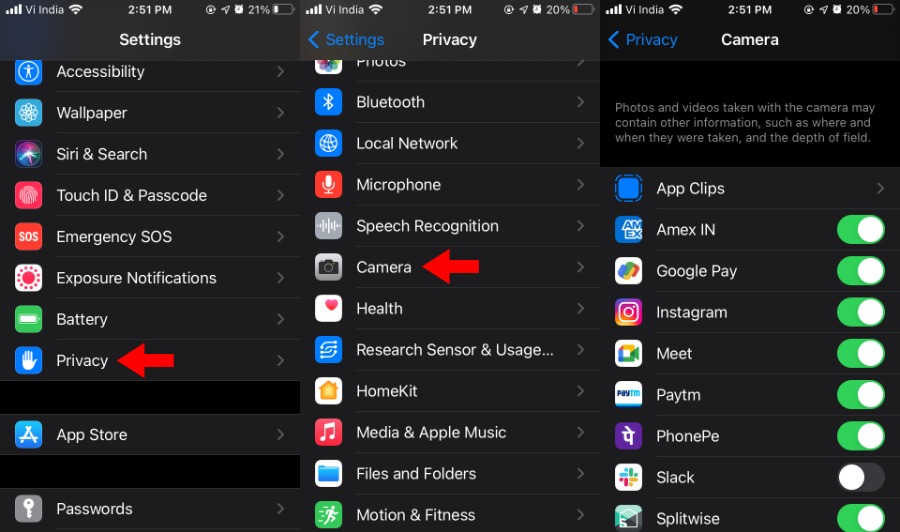
  1. Open the Settings app on your iPhone.
  2. Scroll down and tap on the Privacy option.
  3. Scroll down and tap on the Camera option.
  4. Here you will find all the installed iOS apps with camera access.

You can disable camera permission for an individual app by tapping the toggle button next to it. Note that you will have to disable camera access for each app individually; there is no single button that revokes the camera app permission from all apps simultaneously. Here, you can allow camera access for apps that haven’t been granted the same previously.

Track Real-Time Camera Usage On Your iPhone

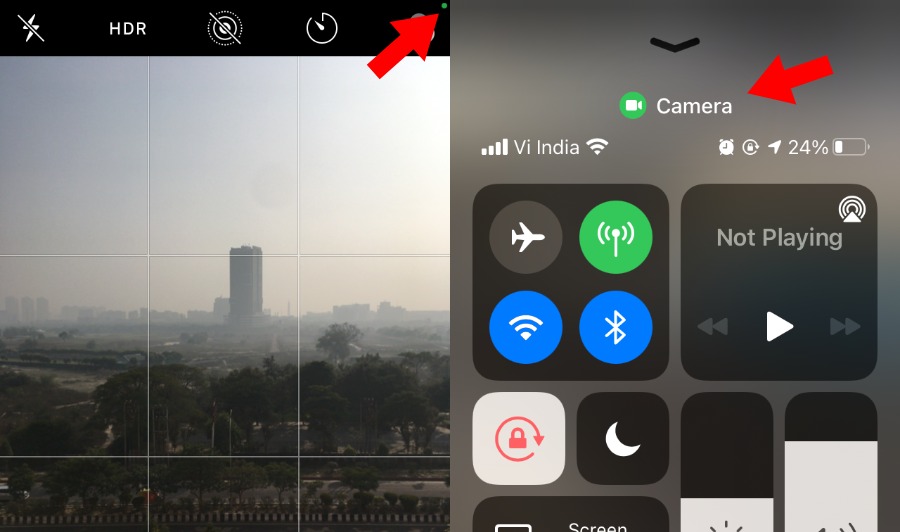
With the latest iOS 14 update, your iPhone will prompt when an app starts using the camera. Once you open the camera app, a green dot will appear in the top-right corner of the screen on the iPhone status bar.

Also, you can pull down the Control Center to see whether the camera is being used or not.

iOS Camera Green Dot

Apps That Require iPhone Camera Permission

Here are some common apps and categories that require access to camera hardware on your device:

Apps With Camera Access Popular Examples Why?
Social Media Facebook, Instragram, Twitter, Snapchat Stories, Posts, and Video Calls
Team Communication Slack, MS Teams, FB Workplace, Trello Conference Calls
QR Code Scanners Inbuilt, Neo Reader, Bar-Code Reader Show details for products/services
Image/Video Editors Snapseed, LumaFusion, InShot, iMovie Capture media for editing
Augmented Reality Ikea, Stack AR, Giphy World Create virtual objects in the real world

The post How To Check What iPhone Apps Are Using Your Camera? appeared first on Fossbytes.


How To Check What iPhone Apps Are Using Your Camera?
read more
Twitter Birdwatch: The Latest “Fact-Check” System On Social Media

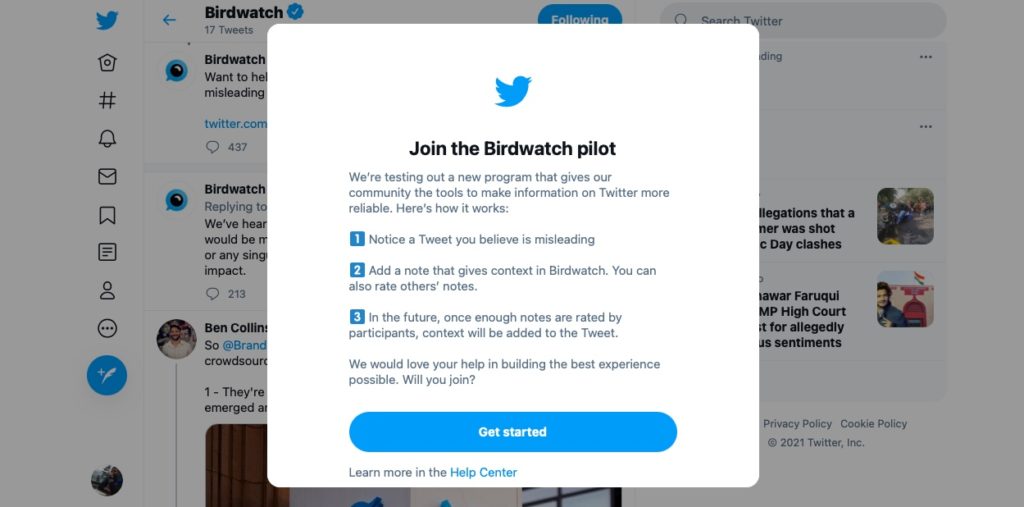
Twitter birdwatch will let users add notes and context to a tweet

Twitter Birdwatch, a much anticipated fact-checking system from the microblogging site. It first surfaced in August 2020, after which the company confirmed it was working on a feature to control misinformation.

Now, the Twitter birdwatch fact-checking system is officially released and has made its way to the U.S. The program is running as a pilot in the U.S. for now.

What Is Birdwatch By Twitter?

Birdwatch is a feature that will let Twitter users add notes, context, and flag other tweets that can spread misinformation. While Twitter has been fact-checking and labeling tweets itself, the platform wants to follow a community-driven approach.

For now, the feature works as a different website where users from the U.S. can add context and notes to tweets. Twitter eventually plans to bring it to the social media site. Twitter says that birdwatch “notes will not have an effect on the way people see Tweets or our system recommendations.”

Birdwatch And Transparency On Twitter

Twitter Birdwatch

Birdwatch is a system that lets Twitter users moderate the platform by completing information, adding context, notes, etc. For instance, if you Tweet about the U.S. building a wall at the Mexican border, people can add context like Mexico didn’t pay for the wall, or the wall is now being dumped since the U.S. administration has changed.

There’s still no word as to what will happen to the tweets that get fact-checked or flagged by multiple moderators

That said, these notes will be publicly available and downloadable in TSV files. Twitter also says that it will publish the code that is being used for the Birdwatch system. While a publicly available system might become the new troll-favorite, Twitter says it has measures in place to counter trolls on birdwatch.

“We know this [Birdwatch] might be messy and have problems at times, but we believe this is a model worth trying. We invite you to learn alongside as we continue to explore different ways of addressing a common problem.

Twitter Blog

What Twitter Birdwatch Might Change?

Almost all social media has a public feedback system, in fact, some of them thrive just on it. For instance, you can report a Facebook or Instagram post, dislike a YouTube video, or report any of the content on any platform.

For the first time, Twitter has allowed the public to become fact-checkers and take user participation to the next level.

There’s usually the problem of trolling, false ratings, and more misinformation fanning the flames of fake news. The platform has roped in academicians and industry experts to deal with the issues and strengthen the algorithms that power birdwatch.

In simple terms, Twitter is in the initial phase of letting the users moderate the platform. Twitter will probably find its way around the section 230 changes being discussed in the U.S.

We can say so as the U.S. was looking for a way to hold social media companies responsible for what’s posted on their platforms. If the Biden administration works on the same lines, Birdwatch might come in handy for Twitter to rapidly fact-check and add context to posts that might otherwise escape moderation.

The post Twitter Birdwatch: The Latest “Fact-Check” System On Social Media appeared first on Fossbytes.


Twitter Birdwatch: The Latest “Fact-Check” System On Social Media
read more
Playing Grand Theft Auto Inside A Neural Network’s Hallucination? It’s Possible!

Ever imagined what a Neural Network's hallucination would look like? The post Playing Grand Theft Auto Inside A Neural Network’s Halluc...